


D-Link DIR-842V2

Don't like the alternatives? Choose from the full product list


- Reviews 1
- Help and manuals
- Specifications
- Photos & Videos 3
- Alternatives 8
- Accessories and suggested products

D-Link DIR-842V2
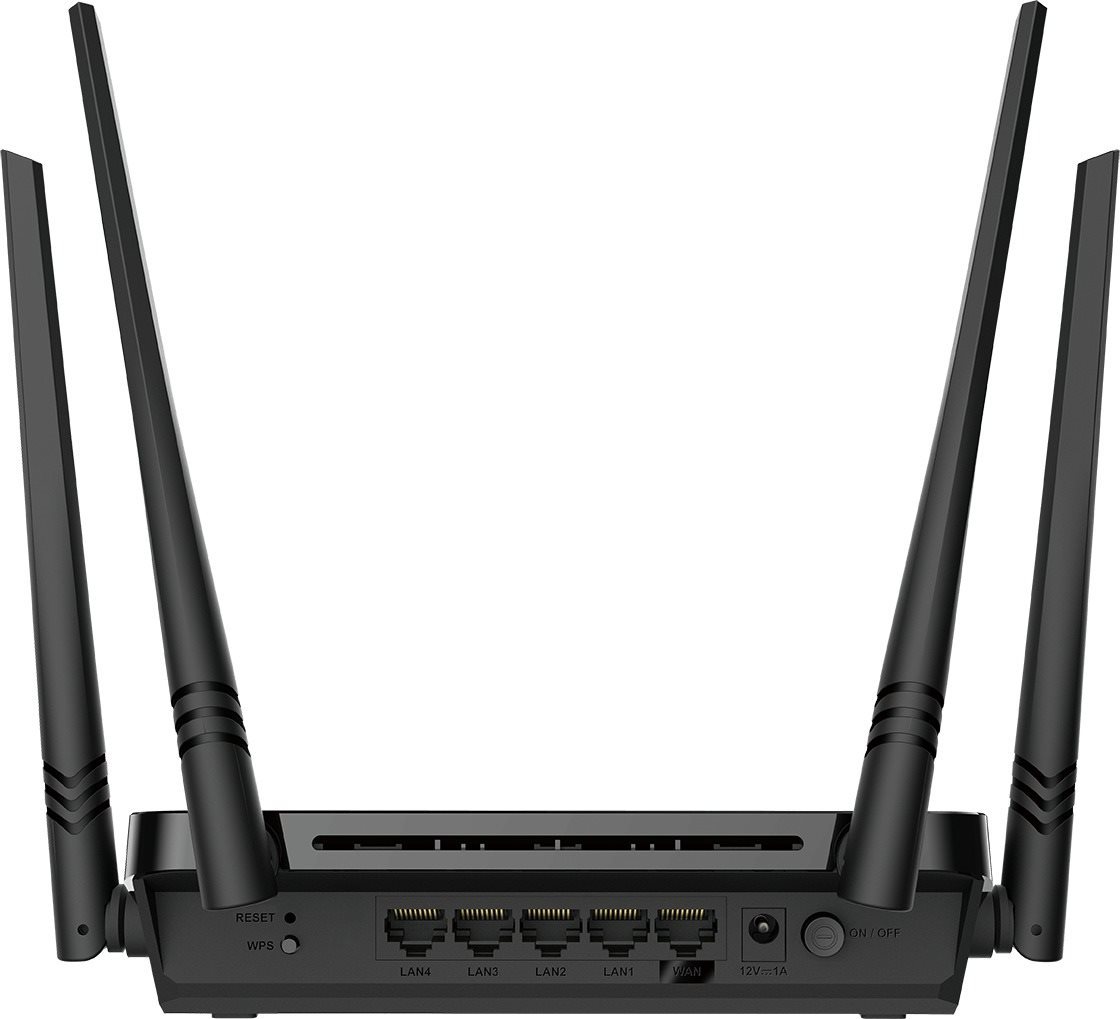
Connect to the Internet with a high-quality WiFi router. The D-Link DIR-842V2 provides wireless Internet access for computers, tablets, and mobile phones. It uses 802,11a (5GHz), 802,11b (2,4GHz), 802,11g (2,4GHz), 802,11n and 802,11ac standards and Dual-band frequency., which means it uses two bands. The device features 4 external antennas. The router's total antenna gain is 5W. You can enjoy bandwidth speeds up to 1200 Mb/s or 1 Gbit with LAN connection.
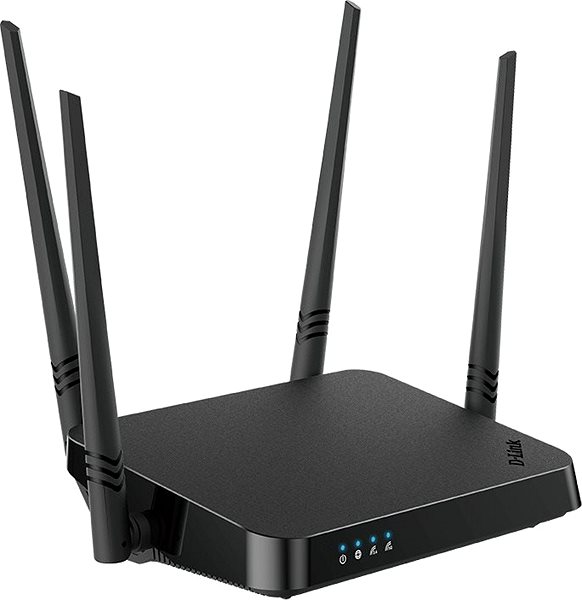
D-Link DIR-842V2 WiFi Router Key Features
- The router's stylish design coupled with a colour scheme makes it suitable both for home and for office environments
- The device supports the following standards: 802,11a (5GHz), 802,11b (2,4GHz), 802,11g (2,4GHz), 802,11n and 802,11ac
- WiFi speed up to 1200 Mb/s
- Client Mode included
- Data encryption
- Access point functionality included
- The router installation and setup is so easy anyone can do it
- QoS ensures smooth network traffic
- Multiple data streams provide improved performance
- Guest Zone function keeps your network safe and protected
- Number of external antennas: 4
- D-Link DIR-842V2 total antenna gain: 5 dBi
Encrypt Your Data with the D-Link DIR-842V2 WiFi Router
The D-Link DIR-842V2 router makes your web browsing safer and protects your privacy. The device features several different types of encryption: WPS and WPA3. Now you don't have to worry about your online data security.
Your Network, Your Rules
Thanks to integrated Quality of Service (QoS). you can control the router's D-Link DIR-842V2 bandwidth usage and data priorities to make sure the network speeds are split the way you need in the particular situation.
Easy Installation with the D-Link DIR-842V2 Router
The router is so user-friendly even a beginner can use it. First, we recommend that you read the initial setup guide that comes with your router. After you are done, you only have to connect the cables and sometimes enter the info given to you by your service provider. The router is equipped with a WPS button that makes it easier to connect your network device service to the router. Just press the button on the WiFi device and you are in.
D-Link DIR-842V2: Cable and WiFi Connection
Aside from WiFi, the router offers a wired LAN option with a speed of up to 1 Gbit. Wired internet tends to be faster and more stable, though in exchange for some user comfort.
Multiple Devices in Just One Router – D-Link DIR-842V2
The features of this router don't end with just wireless Internet. This model comes with an additional extender function, Client Mode, and can serve as an access point. So even if you decide to get a newer model, you can still use it as an access point.
Specifications
Package contents
Standards and frequency
Functions
Speed
Security
Antenna features
Advanced parameters
Dimensions and weight

D-Link s.r.o., Na Strži 65/1702, 140 62 Praha 4, [email protected]
Specifications can be changed without notice. Images are for illustrative purposes only.
