


Optikai kábeles internethez jó-e? Mert fingom sincs, a digi meg nem cseréli a jelenlegit.

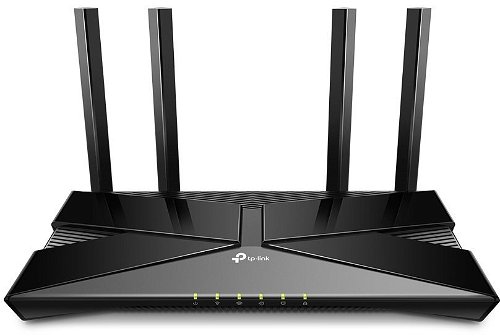

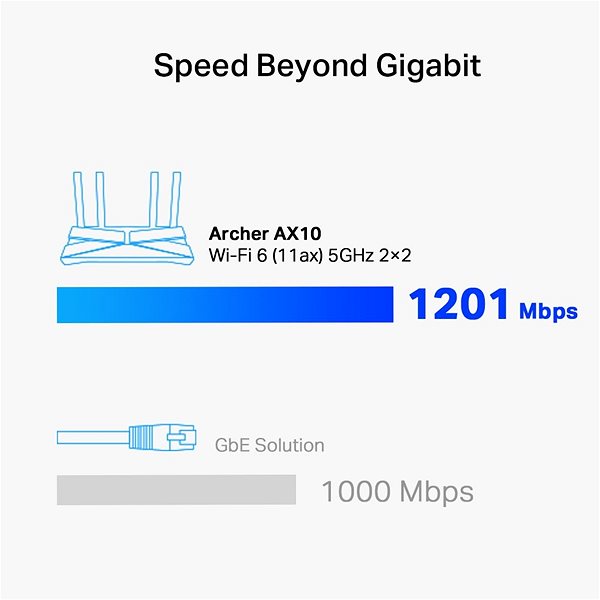
Need to connect multiple devices to the Internet? The TP-Link Archer AX10 delivers uncompromising internet connection quality. It uses 802,11a (5GHz), 802,11b (2,4GHz), 802,11g (2,4GHz), 802,11n, 802,11ac and 802,11ax standard. The practical DHCP features of this model include Address Reservation.
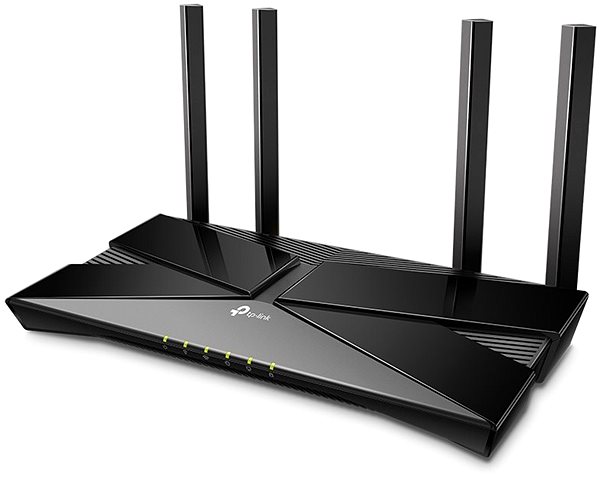
The TP-Link Archer AX10 router makes your web browsing safer and protects your privacy. The device features multiple encryption solutions, such as WPA, WPA2, WPA-Enterprise, WPA2-Enterprise and WPA3. Now you can download files, watch movies, or just browse the web and be completely sure that your data is safe.
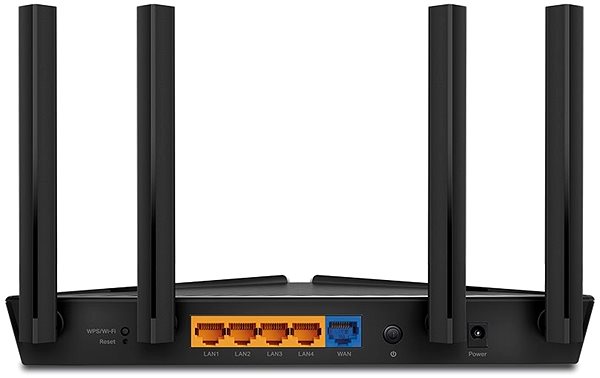

Thanks to Quality of Service (QoS). you can manage the router's TP-Link Archer AX10 bandwidth usage to make the network work the way you need in the particular situation.
You don't need a professional to setup your device. Please read the initial setup guide that comes with your router. After you are done, you only have to connect the cables and perhaps enter the information from your internet provider.

TP-LINK Czech s.r.o., Pekařská 10a, 15500 Praha 5, Česko, [email protected], www.tp-link.com
TP-LINK Czech, s. r. o., Pekařská 695/10, Jinonice, 155 00 Praha 5, CZ +420 212 812 622 / SK +421 233 006 532, [email protected]
Specifications can be changed without notice. Images are for illustrative purposes only.
