


Xerox C325DNI

Don't like the alternatives? Choose from the full product list


- Reviews 5
- Help and manuals
- Specifications
- Photos & Videos 13
- Alternatives 8
- Accessories and suggested products

Xerox C325DNI
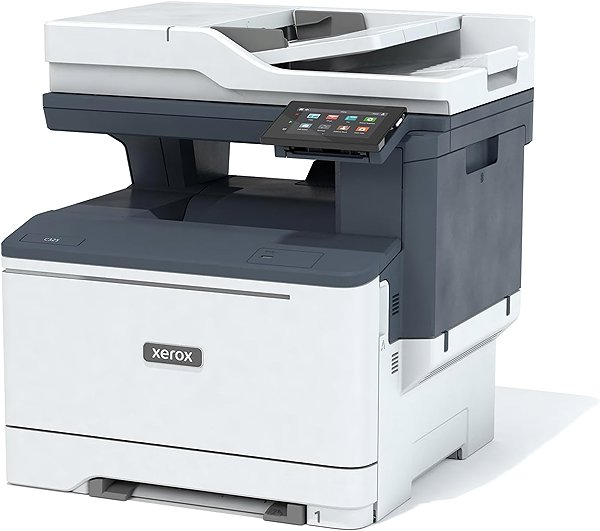
A laser printer is the perfect tool to have in the office. Thanks to this laser printer, you can print documents and texts in sharp, high-quality. This printer can print in colour. This Xerox C325DNI achieves a resolution of 1200 x 1200 DPI. Its print speed reaches 33 PPM and it is able to print in A4 formats. This model can print on both sides of one paper, which saves you time. Changing the functions on this Xerox printer is easy to do thanks to the intuitive graphic display. You can connect to your computer or other devices through the USB, LAN and Wi-Fi interface. With laser printers, thanks to economical printing technology, you can print more quantities of black-and-white papers at a lower price than with inkjet printers. The Xerox laser printer is a 3-in-1 model that is also able to scan and copy.
Xerox C325DNI Laser Printer Key Features
- Xerox laser printer can print on both sides of a paper at once
- Printing speed reaches 33 PPM
- Graphic built-in display
- Prints with a maximum resolution of 1200 x 1200 DPI
- Paper format: A4
- Xerox laser printer can also fax documents
- Xerox C325DNI can hold up to 250 sheets in its input tray
- Connection via USB, LAN and Wi-Fi interface
- Xerox printer can scan both sides of a paper at one go
- You can print via AirPrint
- Colour laser printer suitable for office use
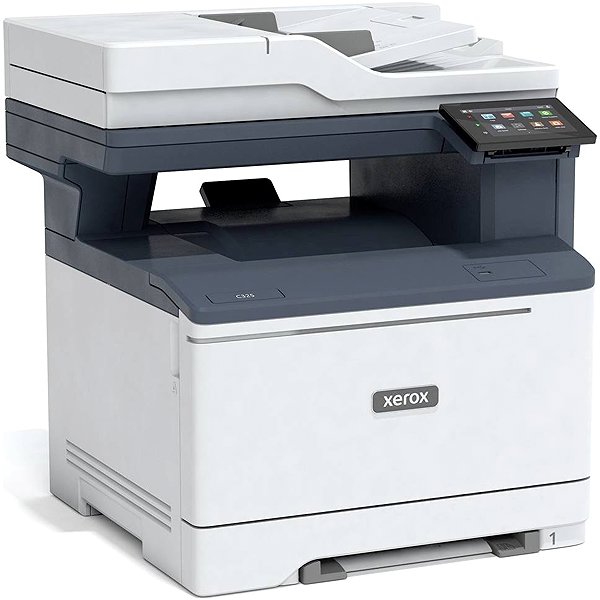
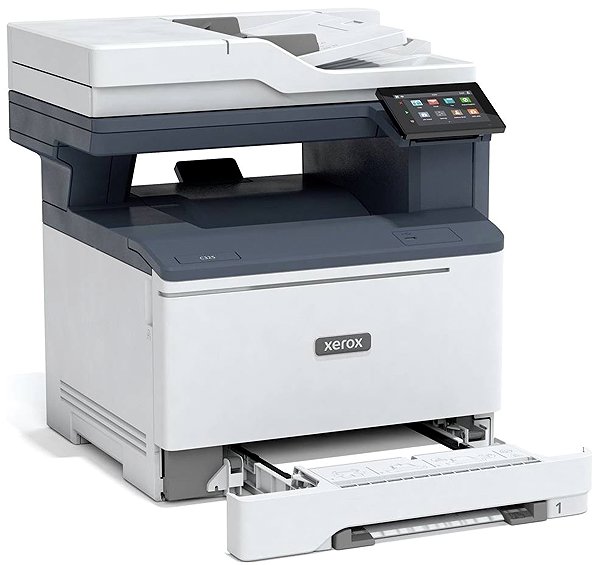
Xerox C325DNI Laser Printer Scanning and Copy Features
Since this Xerox laser printer is a very useful, multifunctional device, it can replace a copy machine and scanner. This saves you plenty of space and money, since you don't have to invest in new devices. It can scan documents at a resolution of 600 x 600 DPI. Quickly send documents via e-mail.
- Printers are usually supplied with a starter toner and/or cartridges with an approximate 60% capacity of regular cartridges which are available to purchase separately.
Specifications
Type
Function
Connection
Supported Paper Sizes
Scanning
Printing parameters
Dimensions
Equipment
Colour
If there is no "package contains" box in the product parameters and the data or USB cable is not specifically mentioned in there, the package does not contain it and must be purchased separately.
Specifications can be changed without notice. Images are for illustrative purposes only.
