


AlzaPower Quest 20, black


- Cheaper products straight away
- FREE delivery all year round

AlzaPower Quest 20, black

Durable Speaker with Backlighting and FM Radio
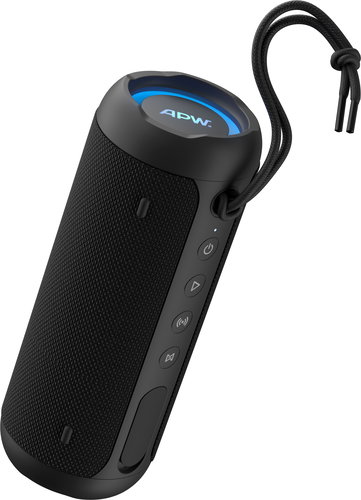
With the durable AlzaPower Quest 20 speaker and its total power output of 20W, you can enjoy your favourite music in excellent quality wherever you want. Simply connect your phone, tablet or other device to the speaker via Bluetooth 5.4. However, the USB-A input port also lets you play music from a flash drive with up to 32GB of capacity. There's also an AUX connector (for connecting a computer, MP3/MP4 player, etc.) and even an FM radio. Other great features include backlighting, an LED indicator, simple controls, a TWS function, up to 8 hours of battery life on a single charge and a practical strap.


IP67
The speaker is dustproof and waterproof up to a depth of 1 metre for 30 minutes.
Bluetooth 5.4
For a high-quality, reliable and energy-efficient wireless connection with a range of up to 10 metres.
Excellent Battery Life
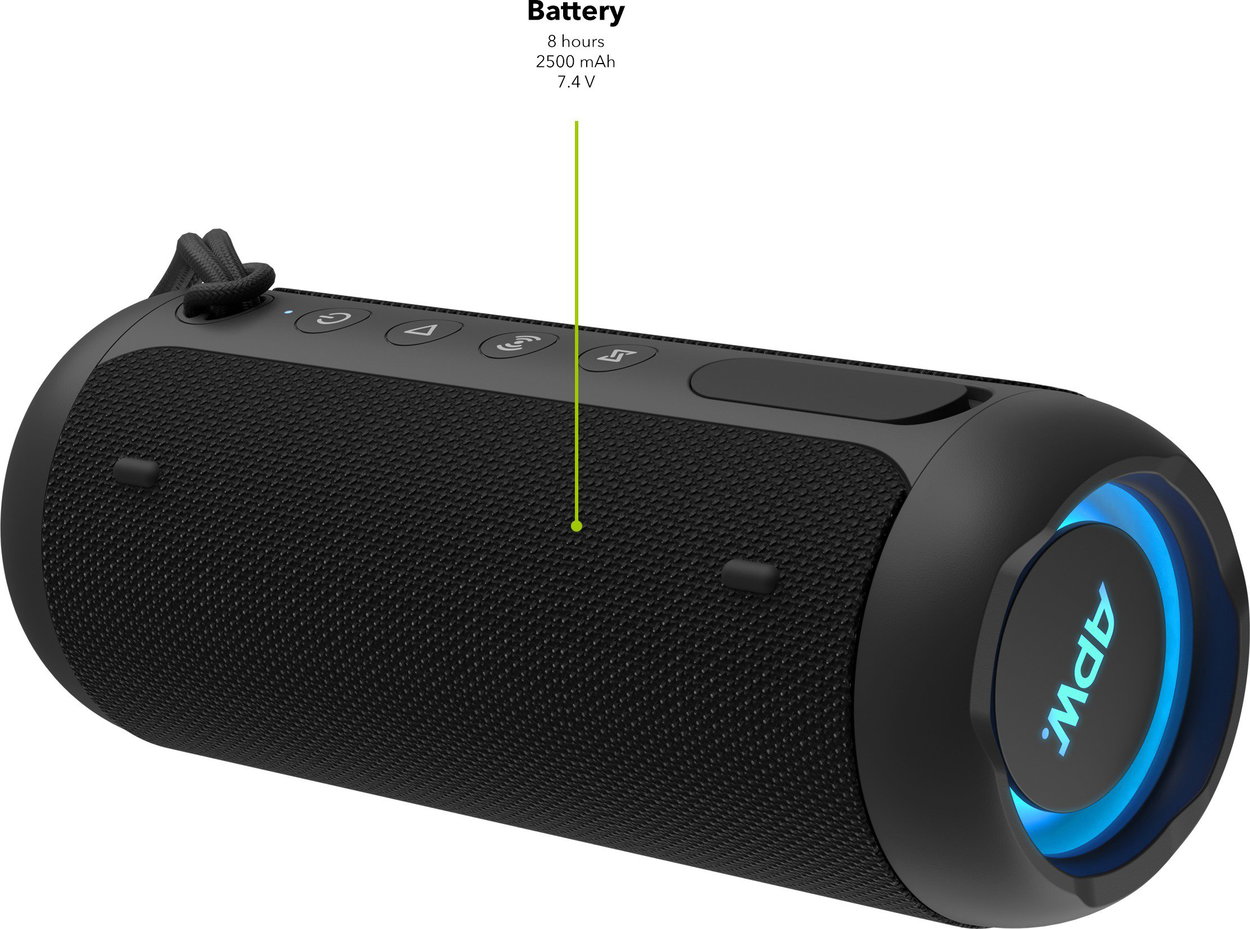
The integrated 2,500mAh battery allows you to play music for up to 8 hours on a single charge.
USB-A Connector
Thanks to the USB-A input, you can also play music from a flash drive.
The AlzaPower Quest 20 Speaker Offers a TWS Function
This compact speaker is equipped with a Bluetooth 5.4 chip, which ensures a high-quality, energy-efficient, and above all, stable connection with your phone or any other music source up to 10 metres away. The TWS—True Wireless Stereo—function then allows you to pair two AlzaPower Quest 20 speakers, creating a surround sound experience.

Simple Controls, LED Backlighting and Indicator
The AlzaPower Quest 20 is easy to control using the buttons directly on the speaker's body. On the side, there's an LED light strip that displays the volume level and indicates the charging status when the speaker is connected to a charger. This is complemented by a backlit logo in a circle on the top. The speaker also has an integrated microphone for hands-free calls—you can easily answer or reject a call using the Play button.
Great Battery Life on a Single Charge
Thanks to its integrated 2,500mAh battery, the AlzaPower Quest 20 speaker can play music for up to 8 hours on a single charge. You can conveniently recharge the battery using a power bank or a suitable mains adapter (5V/2A), for example. A USB-C charging cable is included in the package. A full charge takes approximately 3.5 hours, and you'll appreciate the automatic shutdown feature after 10 minutes of inactivity, which helps to extend battery life.
A Speaker That Resists Water and Dust
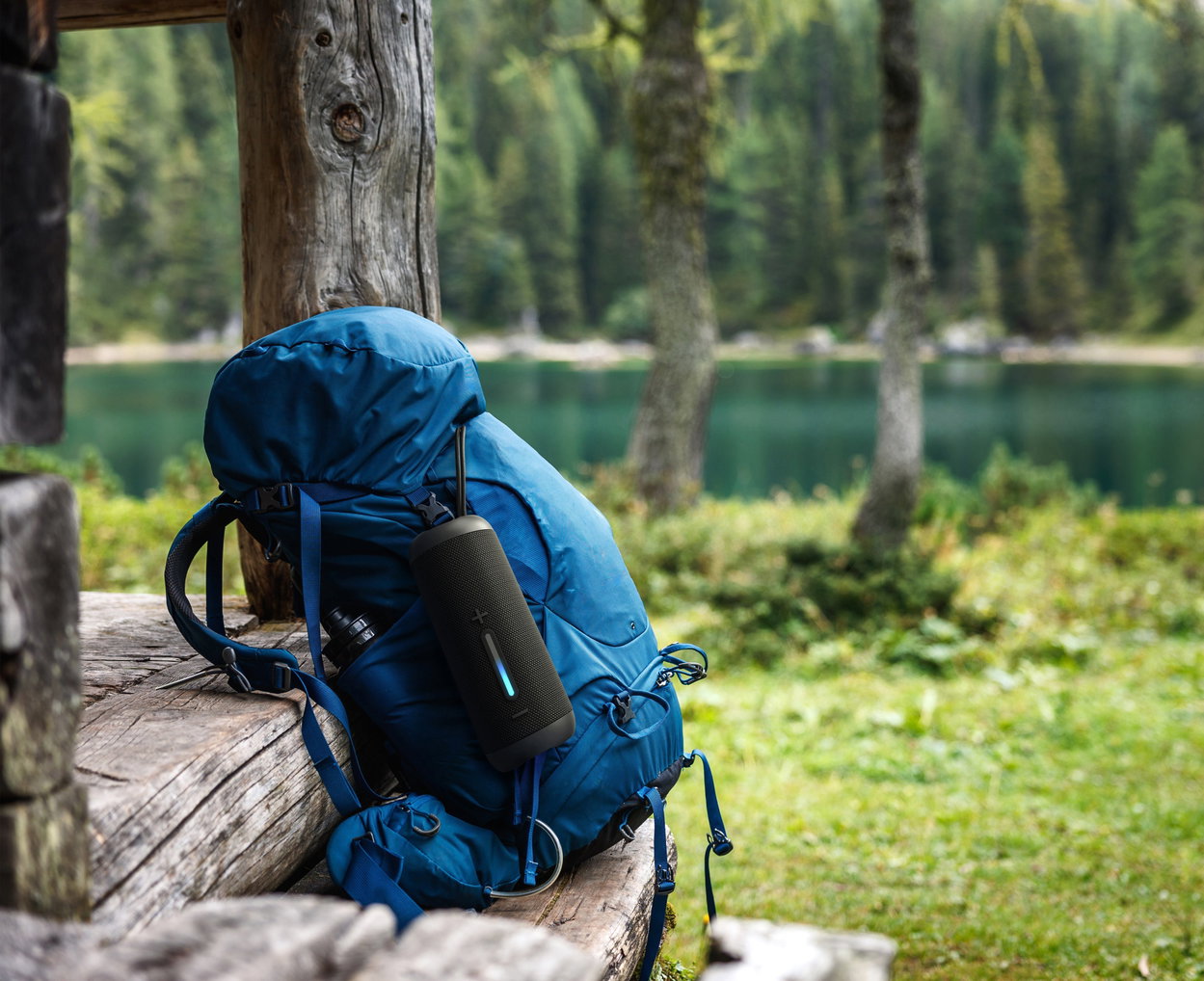
The AlzaPower Quest 20 speaker is easy to carry and takes up little space in a backpack, so you can always have it with you. The strap also allows for easy attachment to a backpack, for example. Thanks to its IP67 protection rating, the device is dustproof and resistant to immersion in water up to a depth of 1 metre for 30 minutes—so you don't have to worry about taking the speaker on trips into nature or to the pool.
Detailed Specifications of the AlzaPower Quest 20 Bluetooth Speaker, Black
- Power output 20W
- IP67—the speaker is dustproof and waterproof up to a depth of 1 metre for 30 minutes
- LED backlight and light strip showing volume level and charging status
- Bluetooth 5.4 connection with a range of 10m and 5m in TWS mode
- Supported Bluetooth profiles A2DP 1.4; AVCTP 1.4; AVDTP 1.3; AVRCP1.6.2; HFP 1.8
- AUX for connecting a computer, MP3/MP4 player, etc.
- USB-A input allows music playback from a flash drive (up to 32GB)
- Supported codecs MP3, WAV, WMA, APE, FLAC
- FM radio with 6 frequencies 87.8; 89.8; 99.1; 104.3; 105.7 and 106.2 MHz
- True Wireless Stereo (TWS) function—allows you to connect two speakers
- Up to 8 hours of battery life (Li-Ion battery, 7.4V, 2,500mAh)
- USB-C charging cable included
- Driver size 1× 80 × 40mm and 1× Ø 36mm
- Automatic pairing with the last connected device
- Practical strap
- Hands-free function (built-in microphone)
- Frequency range 80–20,000Hz
- Impedance 4 Ohm
- Sensitivity 84dB ±2dB
Important notice for users of certain smartphones
With some phone models, the portable speaker may be automatically recognised as headphones upon connection, which can limit the maximum volume due to hearing protection features.
To ensure the speaker operates at its full potential, please follow these steps:
1. Open the Bluetooth settings on your phone.
2. Find the connected speaker and change the device type to "speaker" or "audio device" (the exact name may vary depending on the phone brand).
3. Restart the speaker.
4. Reconnect it to your phone via Bluetooth.
5. Check the settings to ensure that the selected device type has been saved correctly.
Following this procedure will ensure the correct functionality and full sound performance of your speaker.
Firmware update
New improvements:
- New speaker system messages
- Adjusted system message volume
- The previous backlight setting is saved in the memory
Firmware update instructions:
- In the Advice and Manuals tab, in the Files for Download section, you will find the APW Quest 20 1.1 FW.ufw file
- Download the file to an empty flash drive
- Turn on the speaker
- Insert the prepared flash drive with the downloaded file into the speaker's USB port
- The update will start automatically—do not turn off the device or remove the flash drive during the process
- Once you hear several beeps in a row, the process is complete
- After the beeping stops, remove the flash drive and turn the speaker on again
- After completing these steps, your speaker's firmware is successfully updated
- Then pair the speaker with your device as you did the first time
The AlzaPower Product Family
We designed AlzaPower products to meet the highest standards. This is why we can guarantee the top quality of every single product and provide above-standard services. That's why, in the event of a defect in most of our products, we offer an immediate exchange for a new one at all our branches.

Specifications
System type
Connections
Audio transmission
Characteristics
Features and functions
Power supply
Battery
Soundbar dimensions
Weight
Usage
Colour
Charging // EU Directive

A 36-month / 3-year or 48-month / 4-year warranty refers to the total duration of the warranty from the date of receiving the goods. Compared to standard statutory rights, this gives you an additional 12 months / 1 year or 24 months / 2 years, respectively, to file a claim.
.
Specifications can be changed without notice. Images are for illustrative purposes only.
