


Brother MFC-J3540DW

Don't like the alternatives? Choose from the full product list


- Reviews 5
- Help and manuals
- Specifications
- Photos & Videos 4
- Alternatives 3
- Accessories and suggested products

Brother MFC-J3540DW
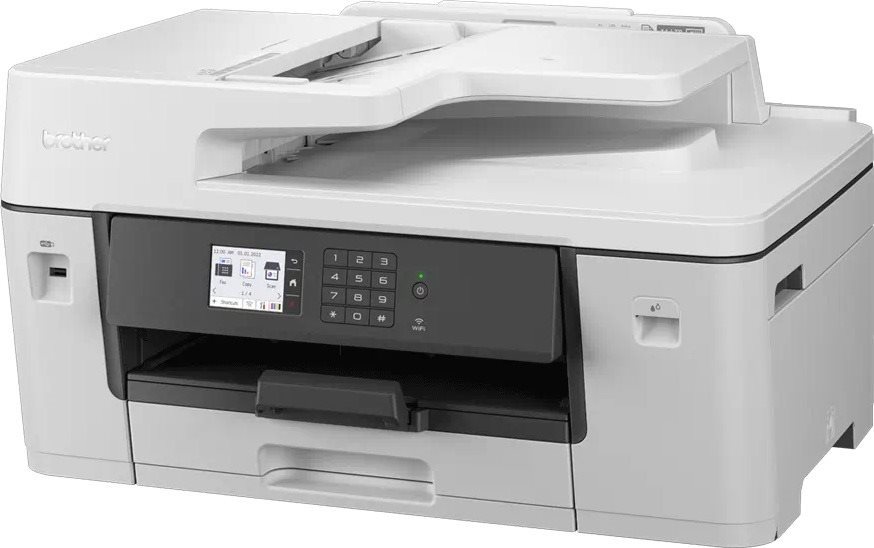
The Brother inkjet printer is a practical tool for every household and office. This is a 3-in-1 model that is also able to print, copy and scan, so it'll take care of all the work you do with documents. This printer can print in colour. When printing black-and-white documents, the Brother MFC-J3540DW can print at 28 PPM pages per minute, and the first page prints in 4,6 s. It has a maximum print resolution of 4800 x 1200 DPI, which is enough for printing text, but it won't print images with high-quality details. This printer model offers borderless printing. This model has a duplex printing feature, can print on both sides of one paper, which makes work much easier. You can quickly connect to your computer through the LAN and Wi-Fi interface. You don't have to deal with any annoying cables, since you can connect to devices wirelessly. For Apple users, it's compatible with the AirPrint feature, allowing you to easily print from any Apple product. The Brother Inkjet Printer has a touch display, which makes it easy to use.
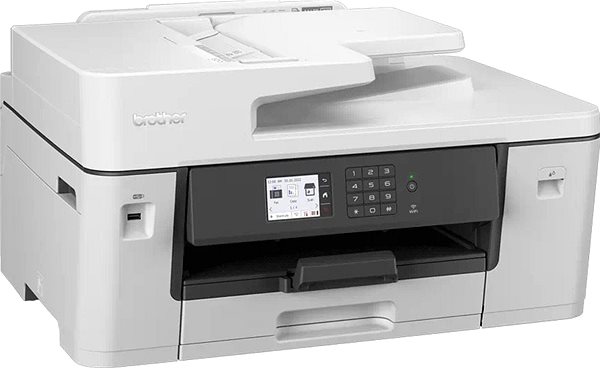
Brother MFC-J3540DW Key Features Inkjet Printer
- Brother Inkjet Printer features double-sided printing
- Connect to devices through Wi-Fi
- Easy-to-use touchscreen display
- Brother MFC-J3540DW compatible format: A3, A4, A5 and A6 paper
- Input tray holds up to 250 papers
- Brother inkjet printer can also scan and copy
- Printer has borderless printing function
- Compatible with Apple devices thanks to AirPrint feature
- Brother inkjet printer can also fax
- Coloured inkjet printer perfect to use at the office or at home
- Packaging contains: Documentation, Ink cartridge and Power cable
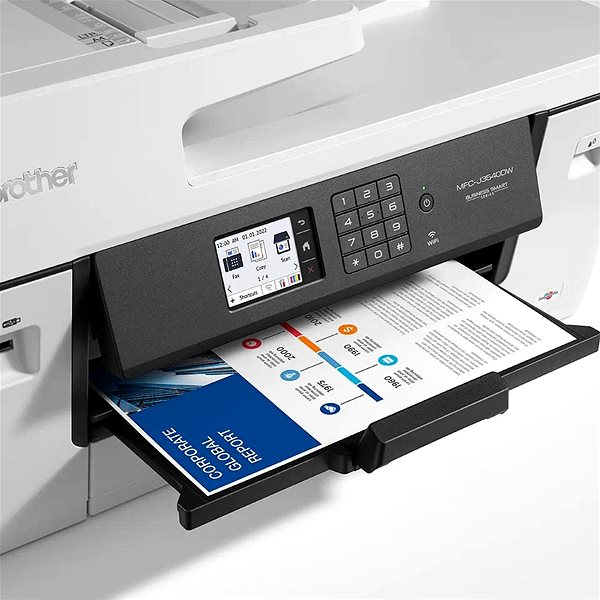
Brother MFC-J3540DW Scanning and Copy Features
This Brother MFC-J3540DW inkjet printer is a multifunctional model, and it is able to copy, scan and print all your documents. The Brother MFC-J3540DW inkjet printer can print on A3, A4, A5 and A6 paper formats. Blank pieces of paper are stored in the input tray that can fit up to 250 pieces of paper. Printed paper is then collected in the output tray that can hold up to 100 sheets of paper. The Brother inkjet printer has a recommended maximum monthly print volume of 2500 pages/month.
Specifications
Type
Function
Connection
Supported Paper Sizes
Scanning
Printing parameters
Dimensions
Equipment
Colour
Package includes
Services

Brother CEE GmbH, branch office, Veveří 102, Brno 616 00, Česká republika
If there is no "package contains" box in the product parameters and the data or USB cable is not specifically mentioned in there, the package does not contain it and must be purchased separately.
Specifications can be changed without notice. Images are for illustrative purposes only.
