



Key benefits of the F-Secure Freedome VPN application
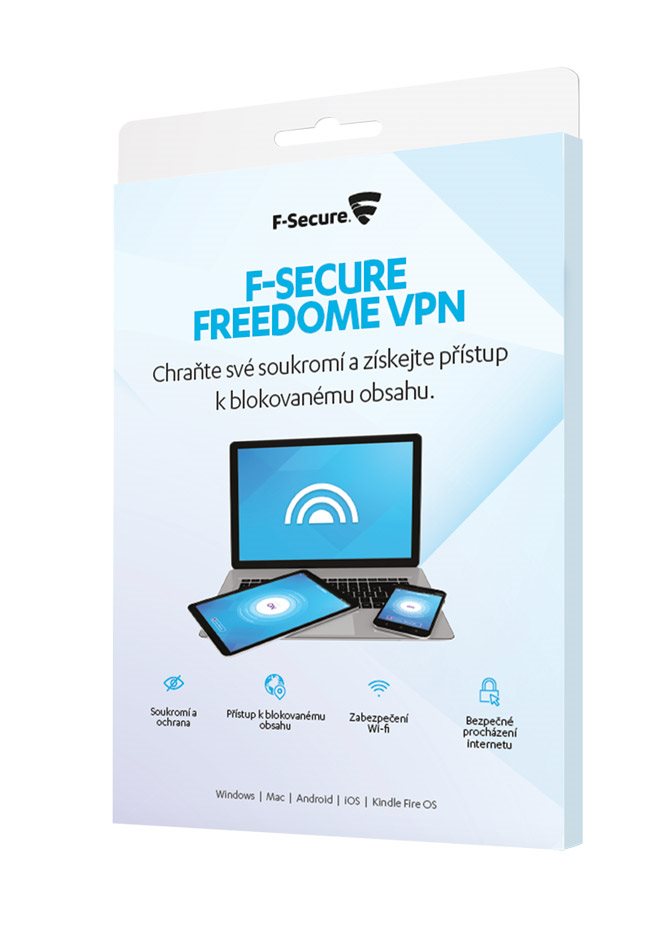
- Personal VPN connection under the wings of a global security company
- Maintains complete privacy while browsing the website
- It will secure access via public WiFi so that no one can watch you
- Thanks to changing the virtual location of your device, you can gain access to content that is blocked for the Czech Republic
- Unlimited size of checked data
- Suitable for devices with Windows, Mac, Android, iOS and Kindle Fire OS
Comment:
1. By purchasing this product, you will receive a two-year antivirus subscription for one device.
2. No registration or account creation required.

Complete privacy

Access to blocked content

Safe surfing on public WiFi

Block unwanted third-party tracking
You do not risk losing personal data thanks to the F-Secure Freedom VPN application
VPN stands for virtual private network. It basically works that it creates an encrypted connection (tunnel) between you and the VPN server, meaning, that no one who is connected to the same network as you, has no chance of eavesdropping on the communication between you and the VPN server. In that case, you can have fun browsing the Internet and you don' t have to worry that someone connected to the same network as you can watch your activity.
