


Ottocast CA360
Don't like the alternatives? Choose from the full product list

- Reviews 4
- Help and manuals
- Specifications
- Photos & Videos 14
- Alternatives 8
- Accessories and suggested products

Ottocast CA360
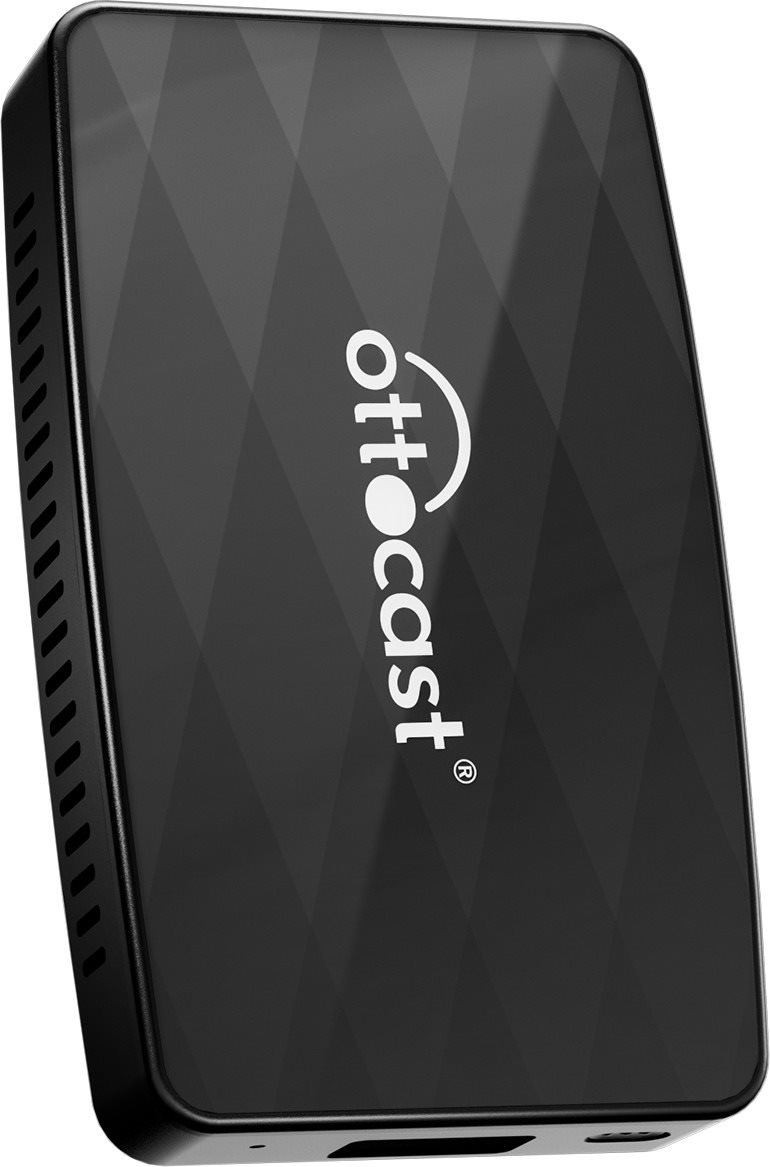
CarPlay kit Ottocast CA360
Wirelessly connect your smartphone to Android Auto with Ottocast CA360. After an initial easy pairing, the mobile phone automatically connects to the Ottocast CA360 when the vehicle is started. You can then use the car's controls to easily answer an incoming call, switch tracks or adjust the volume. Enjoy convenient music streaming from your favourite apps or use maps and navigation. Thanks to its compact size, the Ottocast CA360 takes up almost no space in the vehicle. You'll also eliminate the hassle of unnecessary cables or complicated setup.
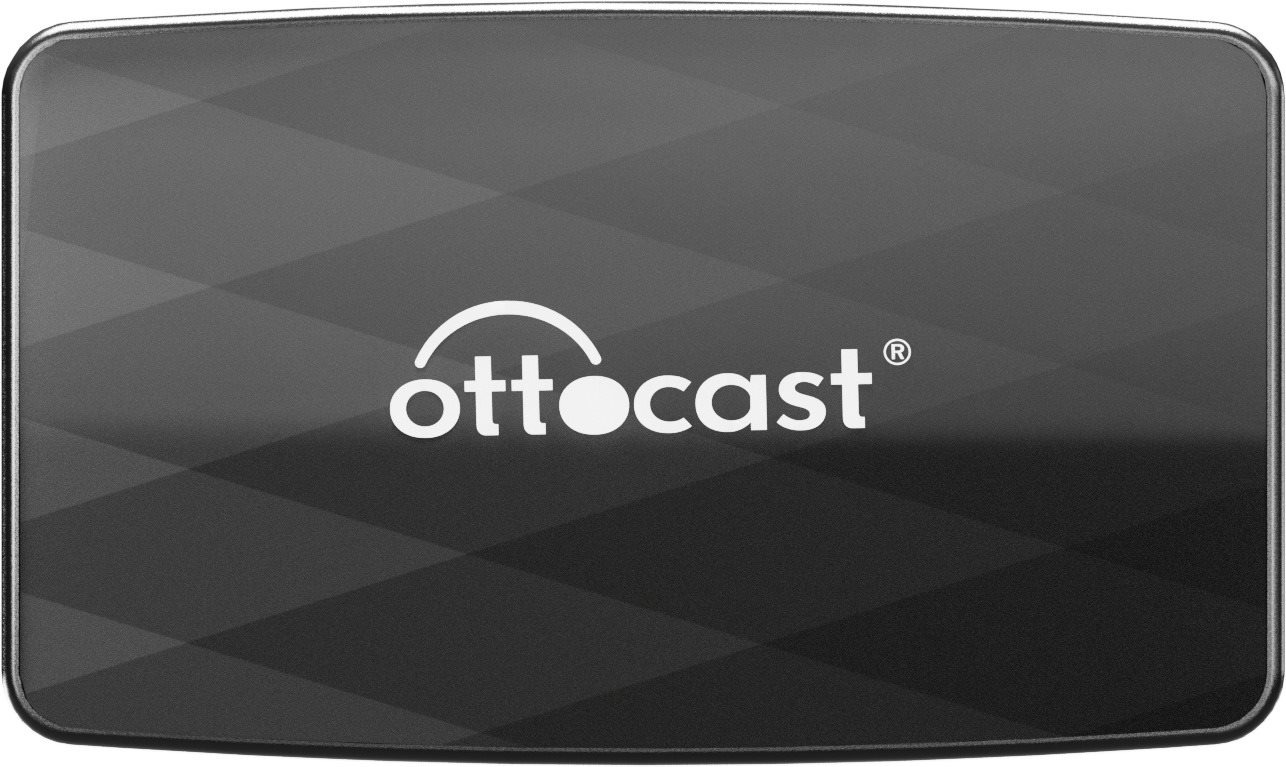
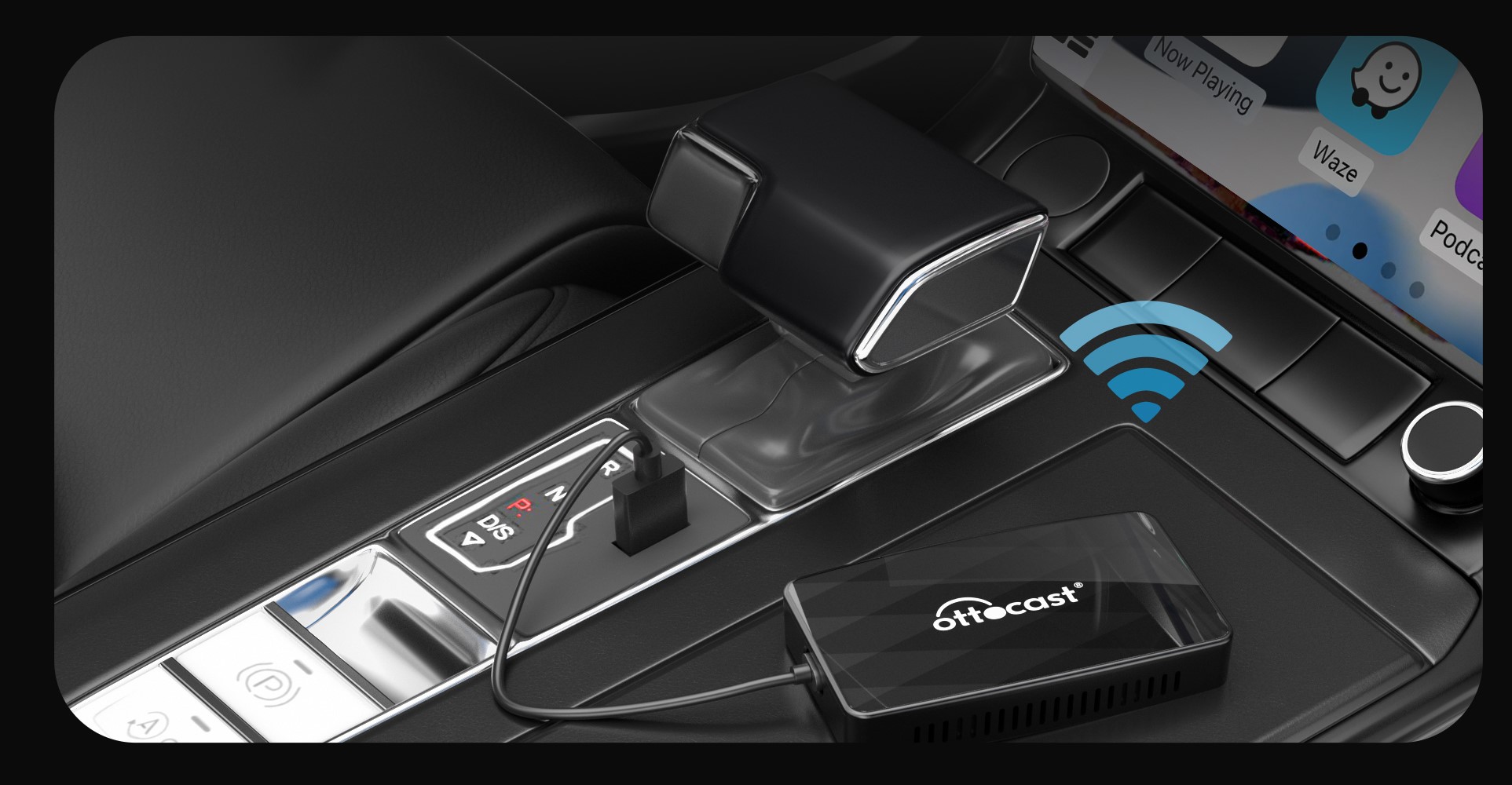
Ottocast CA360 automatically connects after start-up
Once you have paired the Ottocast CA360 CarPlay kit with your phone, you just need to turn on Bluetooth so that the connection is already automatic when you start the car. So there's no need to have your phone connected by cable.

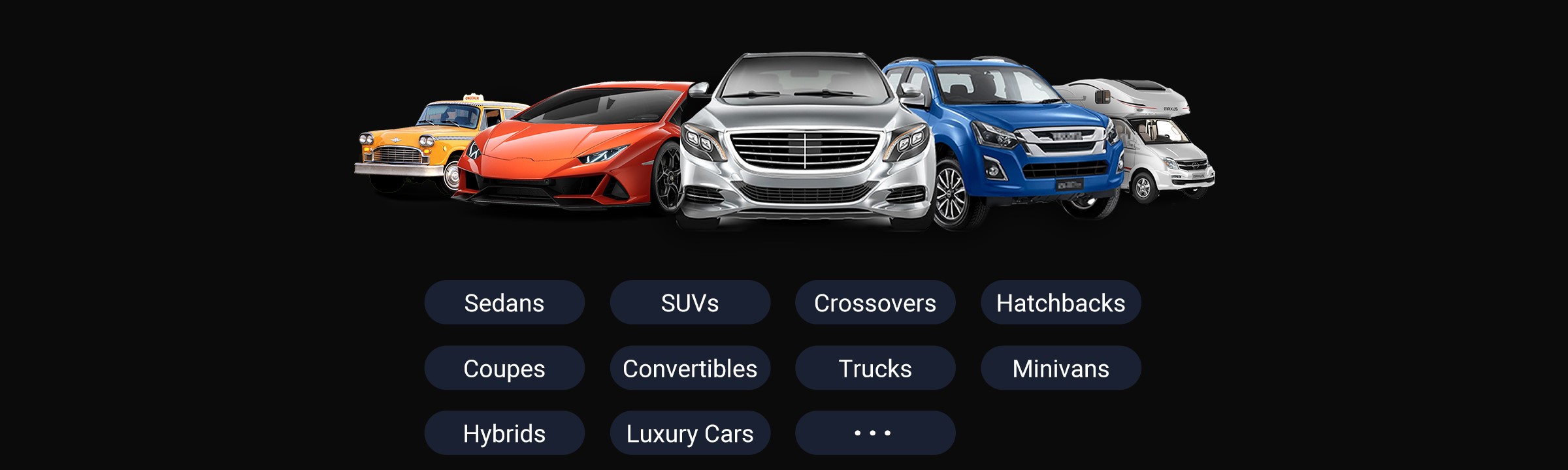
Compatible with more than 99% of cars
To find out if your car is compatible with Ottocast CA360, simply check your car's display or contact your car manufacturer. It is only suitable for vehicles or motorcycles that have factory wired CarPlay or Android Auto.
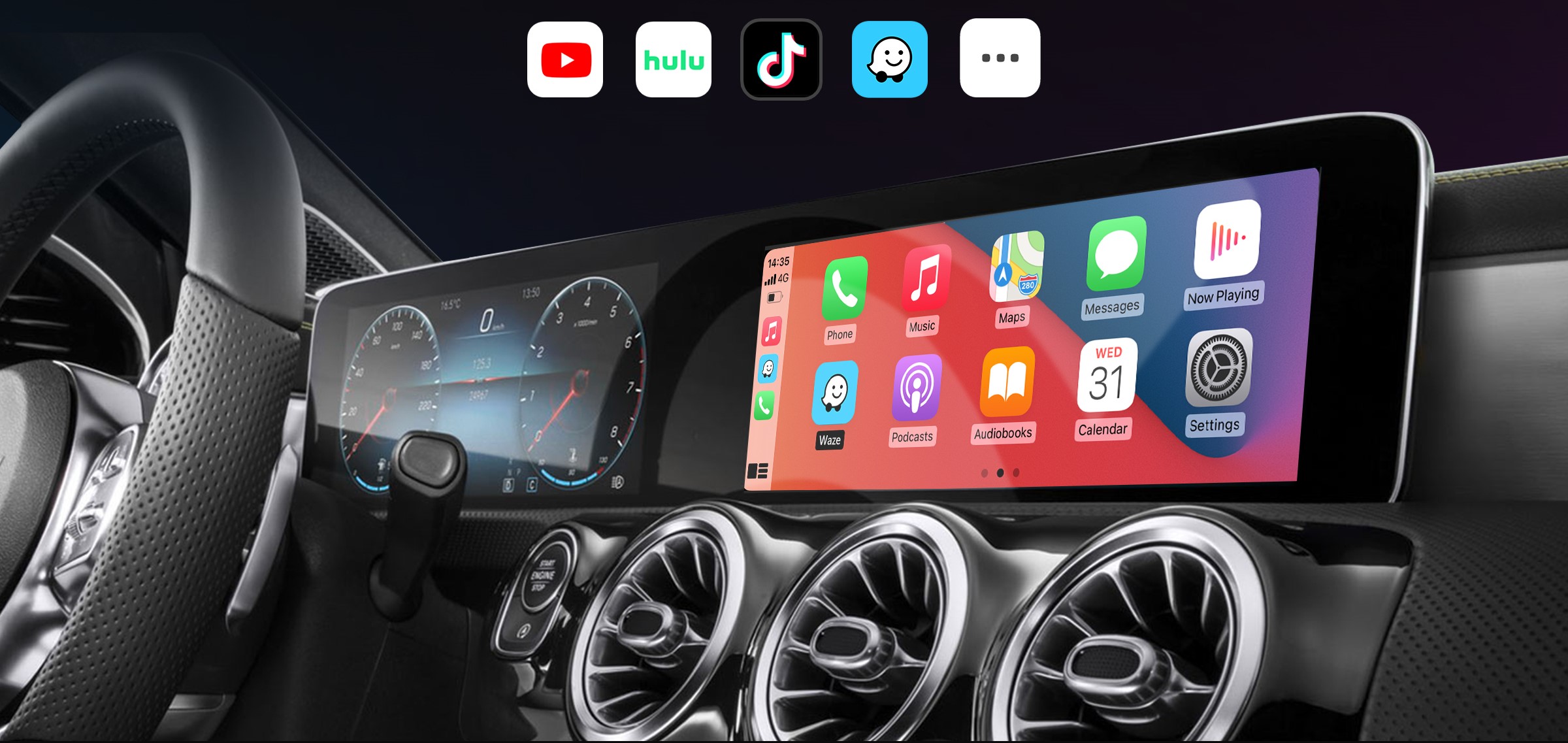
All your apps in one place
Control with Ottocast CA360 will remain the same, fully utilizing the car's controls. Receive calls, control volume and skip songs, etc. you will continue to drive as you are used to in your car.
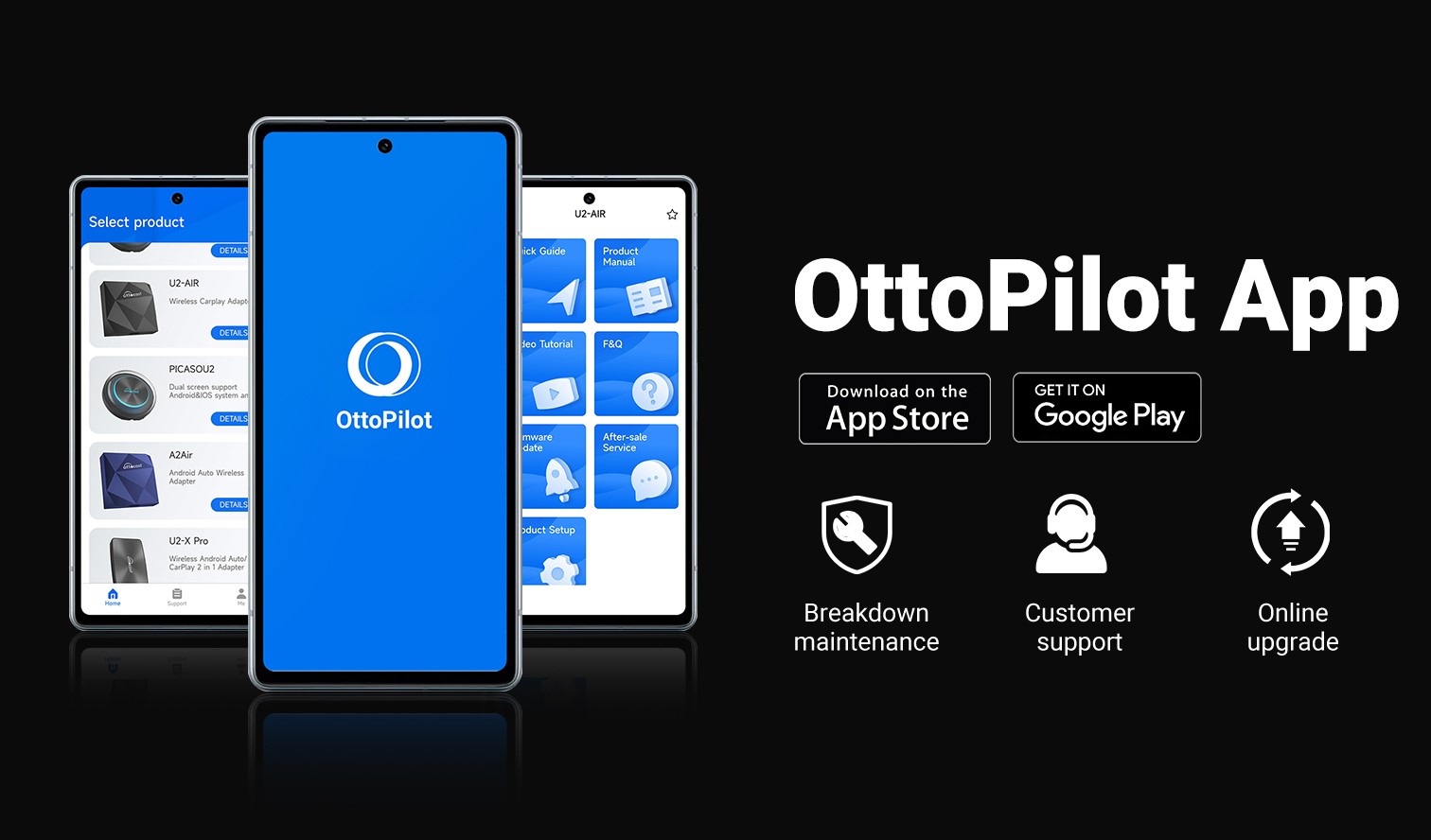
OttoPilot app
Ottocast comes with an app that provides you with convenient user support, one-click upgrades of your new device and help with troubleshooting any kit errors. You will find all product updates, troubleshooting methods, and the ability to contact technicians for help with problems.
Key features of CarPlay kit Ottocast CA360
- Enables wireless connection of an Android or iOS smartphone with Android Auto or CarPlay
- Allows you to use all applications without the need for a cable connection
- It uses Bluetooth 5.2 or dual-band Wi-Fi to connect
- OttoPilot app for product updates and troubleshooting
- After initial setup, it connects to the paired phone automatically when the car is started
- Temperature resistant from -20 to 75 °C
- USB-C charging
- USB-C to USB-C, USB-C to USB-A cable and user manual included
- Linux operating system
- Dual-core 1.0 GHz ARM Cortex A7 processor
Specifications
Connection
Compatibility and apps
Features
Adapter dimensions
Packaging
Specifications can be changed without notice. Images are for illustrative purposes only.
