The Sims 3 Obludárium (PC) DIGITAL2,910 Ft 2,700 Ft Available for download
Buy
The Sims 3 Obludárium (PC) DIGITAL
The Sims 4, the simulator of the lives, joys and sorrows of cute little dolls, recently celebrated its two-year anniversary, and the Sims themselves can start celebrating. The upcoming Life in the City expansion pack is to blame.
86%
The third installment in the famous The Sims franchise offers freedom and creative possibilities like never before.
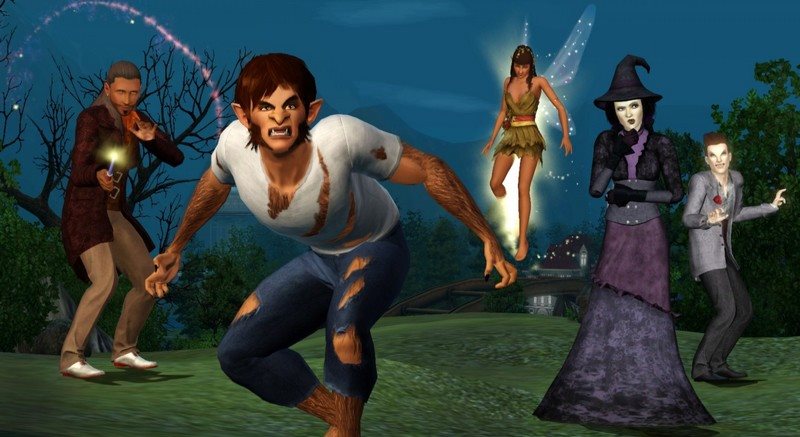
Create witches, wizards, werewolves, vampires and fairies directly in the Create Your Sim editor.
New magical abilities, traits, interactions and the mysterious environment of the new city of Moonlight Falls.
Playing with magic objects
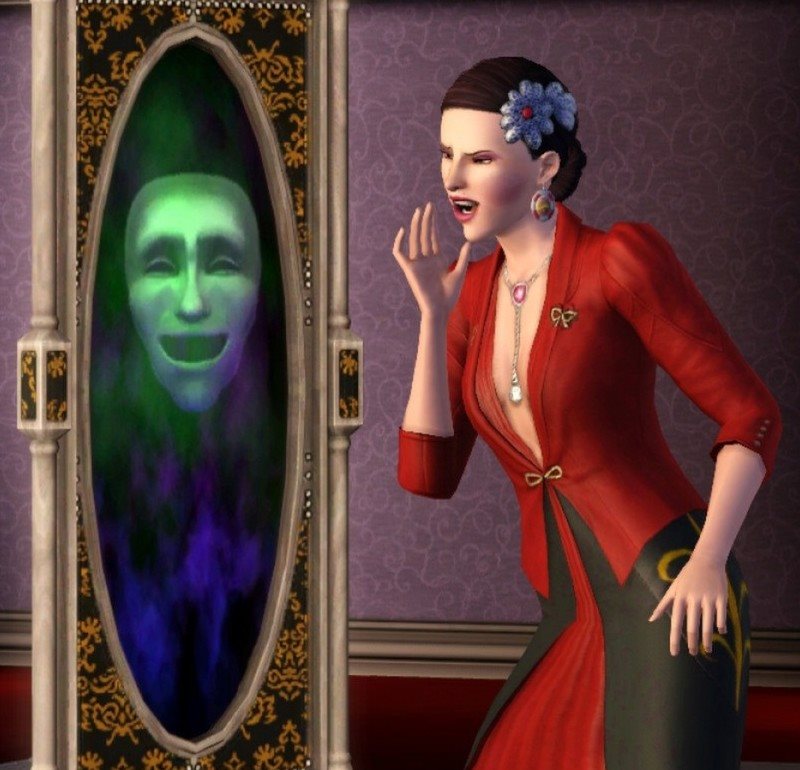
Flying broom, magic mirror, etc. There is also haunted furniture in Gothic style. Zombification elixir: Turn your sim into a scary zombie.
Appendix Obludarium
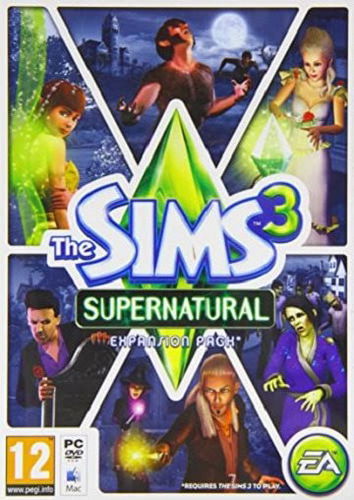
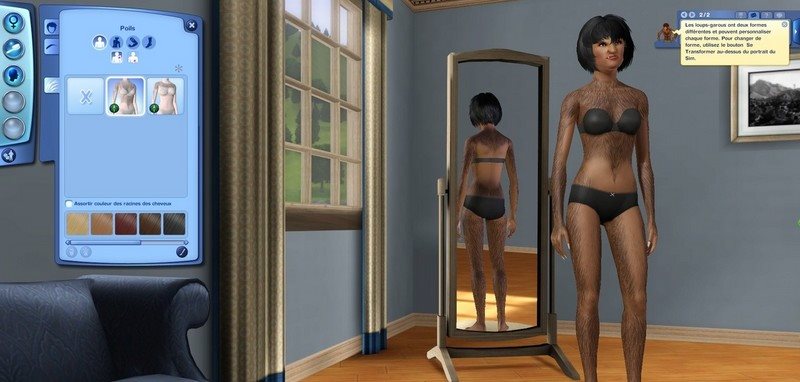
The Sims 3: Obludarium will enliven the world of your sims with entirely new elements of the supernatural. Create your sim characters of werewolves, witches, vampires or fairies and move them into the brand new mysterious town of Moonlight Falls. Each of the supernatural beings has unique abilities, characteristics and interactions: Fairies and vampires have slowed aging, witches can cast spells, and werewolves can control their animal instincts and shapeshift. Influence the lives of other sims with good or evil magic by casting spells or brewing potions.
Requires the original game
To start The Sims 3: Obludarium The Sims 3 base game is required.
Recommended HW requirements
Operating system
Windows XP SP3 / Vista SP1 / Windows 7
Processor
Pentium 4 - 2 GHz or similar
Graphic
128 MB with support for Pixel Shader 2.0
DirectX
9.0
FRAME
1 GB
HDD
3.5 GB + 1 GB for your own content and saved games
Minimum HW requirements
Operating system
Windows XP SP3 / Vista SP1 / Windows 7
Processor
Pentium 4 - 2 GHz or similar
Graphic
128 MB with support for Pixel Shader 2.0
DirectX
9.0
FRAME
1 GB
HDD
3.5 GB + 1 GB for your own content and saved games
Are you really ready for this game?
choose from our offer of gaming computers and laptops
3) Click the "Store" tab and select "My Store Account".
4) Click "Enter Code".
5) Enter the 16-digit code, accept the EULA, and click "Confirm".
6) You can now install expansions and Stuff Packs.
Note:
Note that some games may require:
a digital store account with a particular service - MS Store, Origin, Steam, Uplay etc. (you can find out more in our article on how to apply your electronic licences)
broadband internet connection for online gaming, initial setup, updates, and more
a monthly subscription fee for online multiplayer gaming (Xbox Live, PlayStation Plus, etc.)
Specifications can be changed without notice. Images are for illustrative purposes only.
Try our cookiesAlza.cz a. s., Company identification number 27082440, use cookies and other data to ensure the proper functioning of the website and, with your consent, also, among other things, to personalize advertising and the content of our websites. By clicking on the “I understand“ button, you agree to the use of cookies and the transfer of data regarding the behavior on the website for displaying targeted advertising on social networks and advertising networks on other websites.
We use 8 categories of cookies on our website:
Technical cookies
These are strictly necessary for the functioning of the website and the features you choose to use. Without them, our website would not work; you wouldn't be able to log in to your user account, for example.
Functionality cookies
These cookies allow us to remember your basic choices and improve the user experience. These include remembering your preferred language or allowing you to stay logged in permanently.
Social media cookies
These cookies allow us to easily link you to your social media profile and, for example, allow you to share products and services with your friends and family.
Content personalisation
These cookies allow us to show you content and ads according to the information we have about you to best meet your needs. This includes what content you have viewed, or on what device you are accessing our website.
Non-personalised advertising
These cookies allow us to show you general ads for products and services.
Personalised advertising
Thanks to these cookies, we and our partners can offer you relevant products and services based on your purchases, your shopping behaviour and your preferences.
Audience metrics
These cookies allow us to optimise our site for your convenience based on how you use it. The aim is to remember or anticipate your choices. This includes, for example, the use of features, their location, or the behaviour on the page.
By giving your consent to the processing of cookies, functionality and analytical cookies will be installed on the device you use to browse the website (click on the "I understand" button for both categories, or you can select only one of the categories by clicking on the "Settings" button). We always install technical cookies on your device, even without your explicit consent, because without them our website would simply not work.
You can revoke your consent to the processing of cookies. In connection with our company's cookie processing, you also have the following rights: the right to access cookies, delete, modify, supplement and correct them, restrict processing and the right to lodge a complaint with the Office for Personal Data Protection. Read more about your rights.