


i-tec USB-C HDMI Dual DP Docking Station with Power Delivery 100 W + i-tec Univ. Charger 112 W


i-tec USB-C HDMI Dual DP Docking Station with Power Delivery 100 W + i-tec Univ. Charger 112 W


Alternative text for the photo is not filled in!
The i-tec USB-C HDMI Dual DP Display Docking Station + 100W Power Adapter Is the Perfect Accessory for Your Laptop
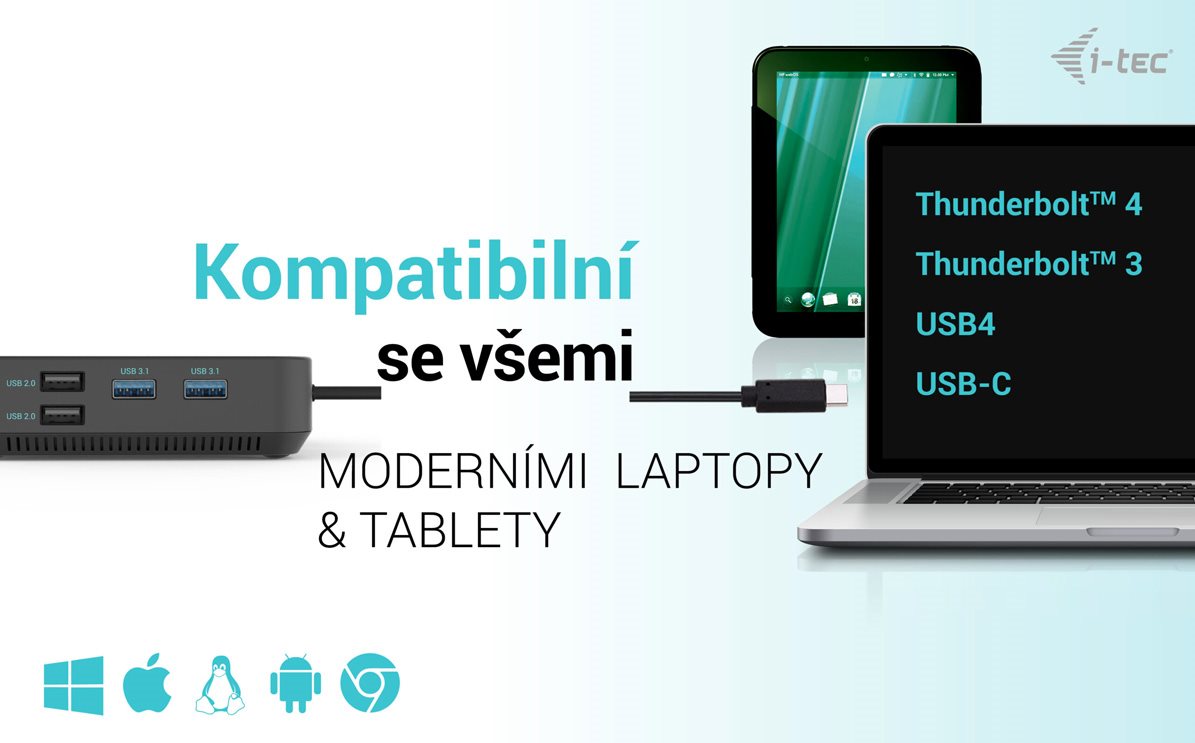
The i-tec USB-C HDMI Dual DP Display Docking Station has been designed to be used with any laptop, tablet or smartphone. It doesn't even matter what type, brand or operating system you have. The key is that your device must have a free Thunderbolt 3 or USB-C port that can transmit a video signal. A power adapter is included in the package.
Alternative text for the photo is not filled in!
Enjoy a High-Quality Picture on up to Three Monitors with the i-tec USB-C HDMI Dual DP Display Docking Station
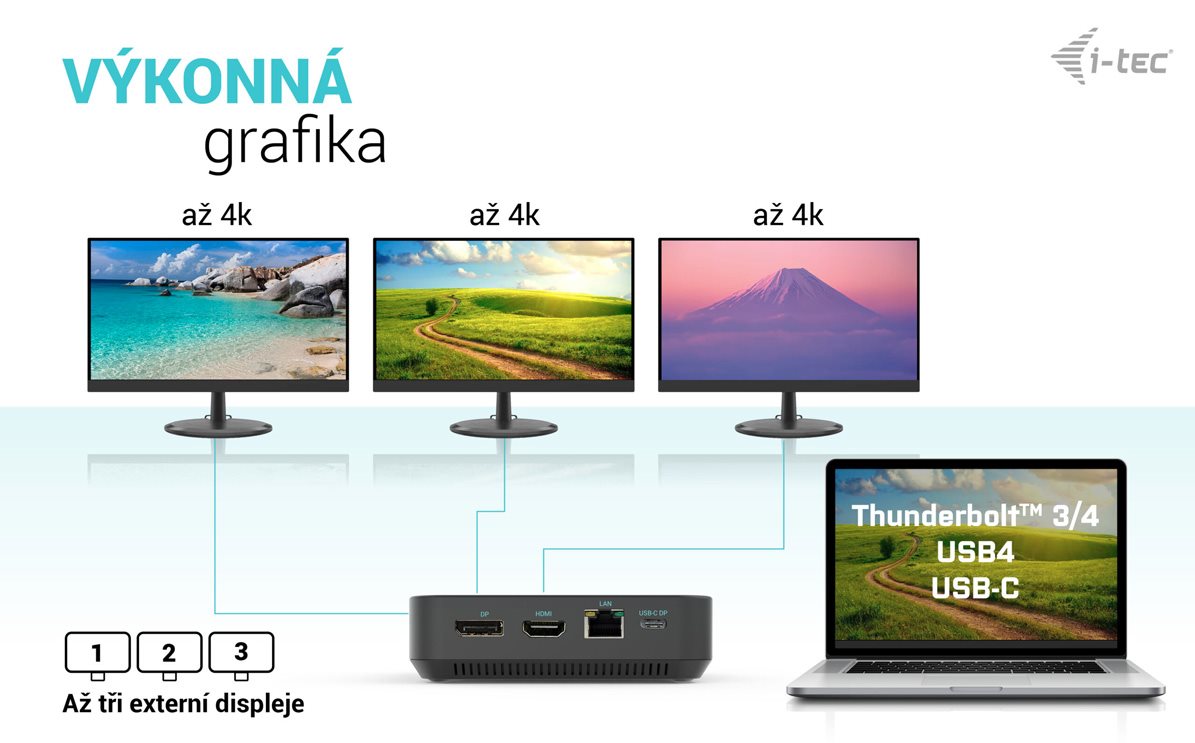
Who doesn't love truly high-quality, crisp graphics with high resolution? The i-tec USB-C HDMI Dual DP Display Docking Station allows you to connect up to two external monitors or TVs, even in 4K at 30Hz. However, if a lower resolution is sufficient for you, then you can count on a full 60Hz.
Alternative text for the photo is not filled in!
Connect a 5K Display to the i-tec USB-C HDMI Dual DP Display Docking Station
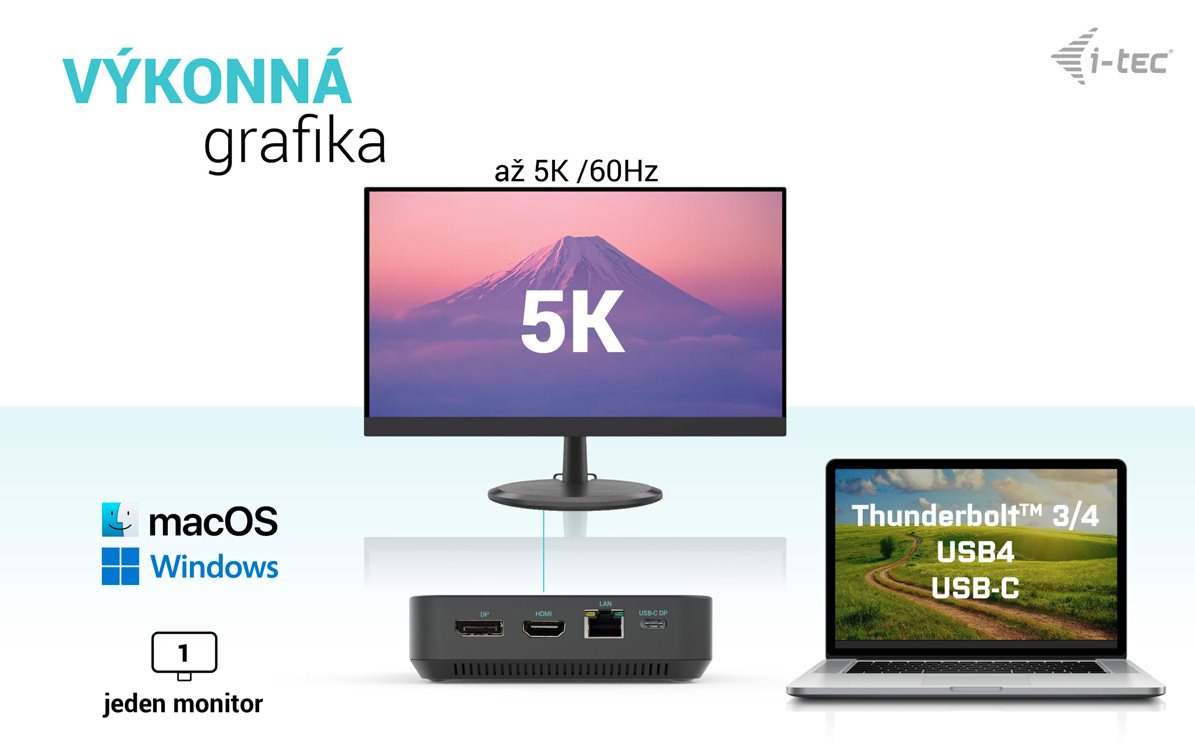
If one monitor is enough for your work, the i-tec USB-C HDMI Dual DP Display Docking Station can also handle a 5K display with a 60Hz frequency.
Alternative text for the photo is not filled in!
Connect Practically Anything to the i-tec USB-C HDMI Dual DP Display Docking Station
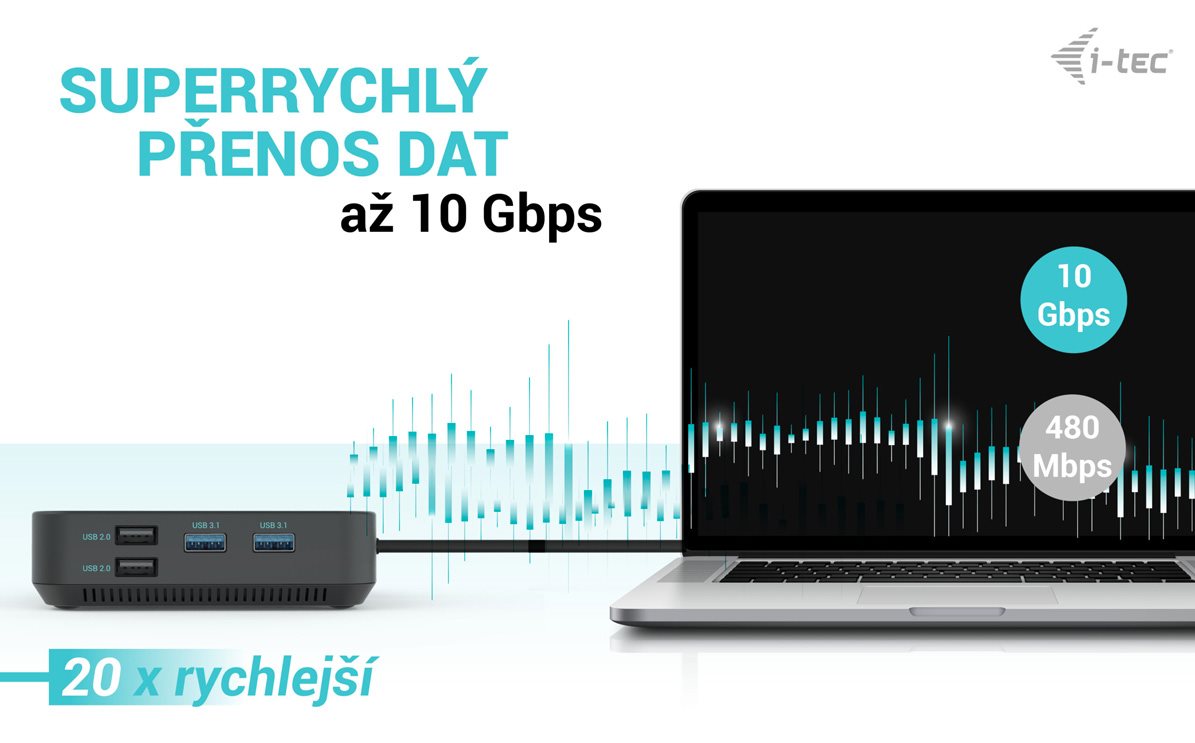
Printer? Keyboard? Mouse? External drive and flash drive? Phone charging cable? An older USB-A or the latest USB-C connector? Don't worry, you can connect everything to the i-tec USB-C HDMI Dual DP Display Docking Station very easily and, most importantly, quickly. The docking station also offers a stable internet connection thanks to the LAN port.
Alternative text for the photo is not filled in!
The i-tec USB-C HDMI Dual DP Display Docking Station Will Easily Charge Your Laptop
The new USB-C connector not only transfers data, video, audio and internet, but it also allows you to charge your laptop, even supporting 100W charging. Use a single cable and keep your desk tidy at all times.
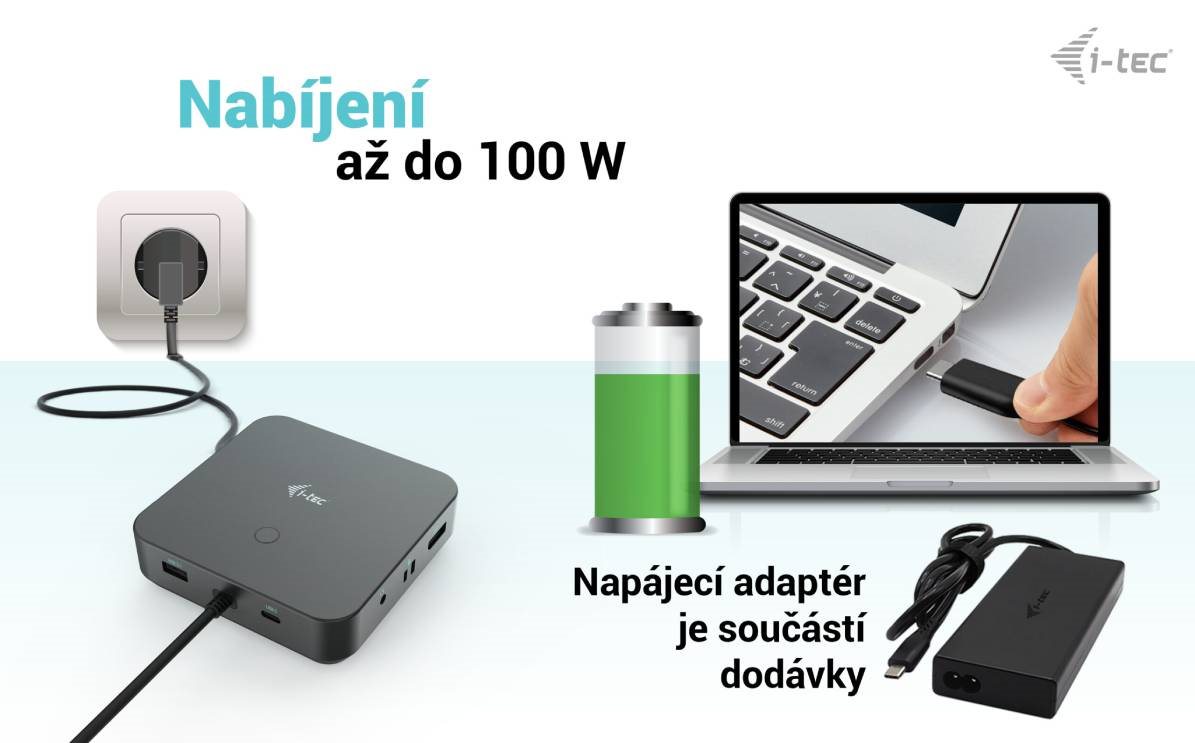
Alternative text for the photo is not filled in!
The i-tec USB-C HDMI Dual DP Display Docking Station Minimises Consumption
All electrical devices have a small continuous power consumption. However, over the product's lifetime, this can add up to a large amount of wasted energy. The i-tec USB-C HDMI Dual DP Display Docking Station has a physical button that lets you completely cut off the power supply.
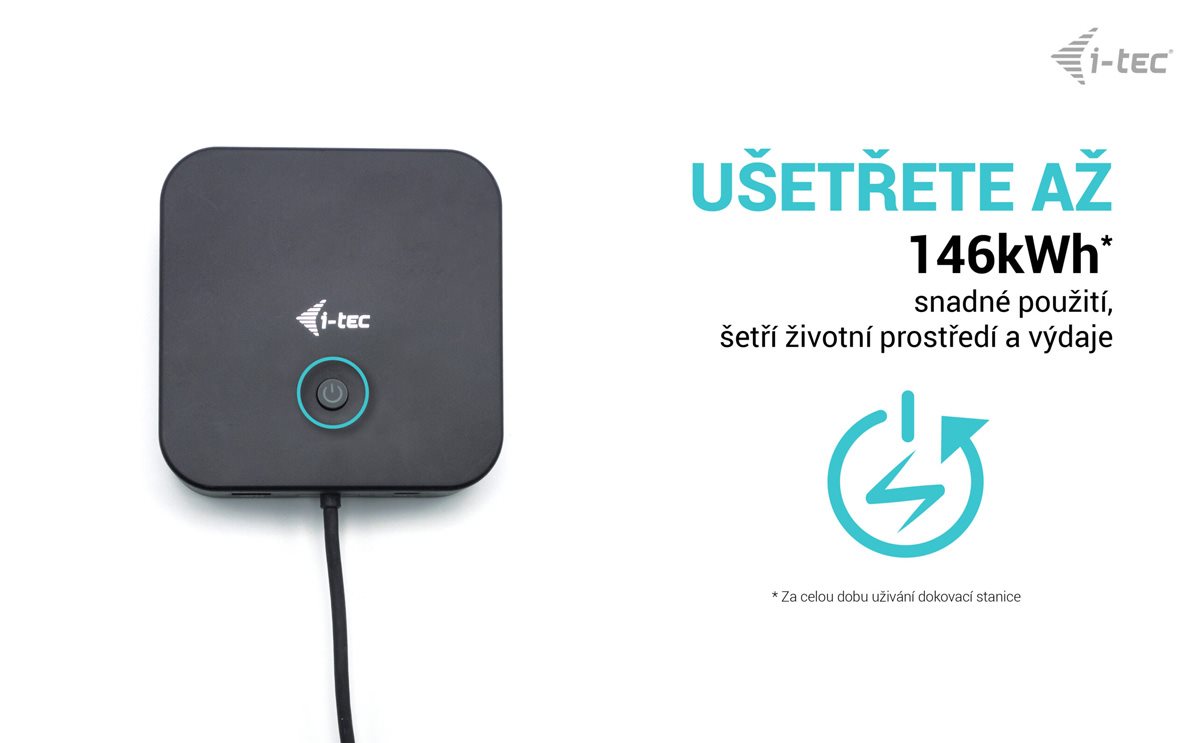
Alternative text for the photo is not filled in!
The Docking Station Has a Long Cable
To help you organise your space clearly, you'll certainly appreciate that the i-tec USB-C HDMI Dual DP Display Docking Station comes with a 1-metre long cable. This allows for flexible placement of the docking station so that it doesn't get in your way.

Alternative text for the photo is not filled in!
The i-tec USB-C HDMI Dual DP Display Docking Station Can Be Placed Discreetly
To be as efficient as possible, it is important to have a clean workspace. This is where the i-tec USB-C HDMI Dual DP Display Docking Station has a key benefit. If your monitor has the option to install a VESA mount, this space can be used for the docking station, allowing it to be attached to the back of the monitor. Just purchase the optional frame here.

Really Easy Data Backup
Do you use Windows and don't regularly back up your documents, photos or videos? Install the free add-on application i-tec Docker Pro and you can start backing up immediately. Connect any drive to the i-tec USB-C HDMI Dual DP Display Docking Station and the rest is just a matter of a few mouse clicks.
Package Contents
- i-tec USB-C HDMI Dual DP Docking Station
- Included 100W charging adapter
- Manual
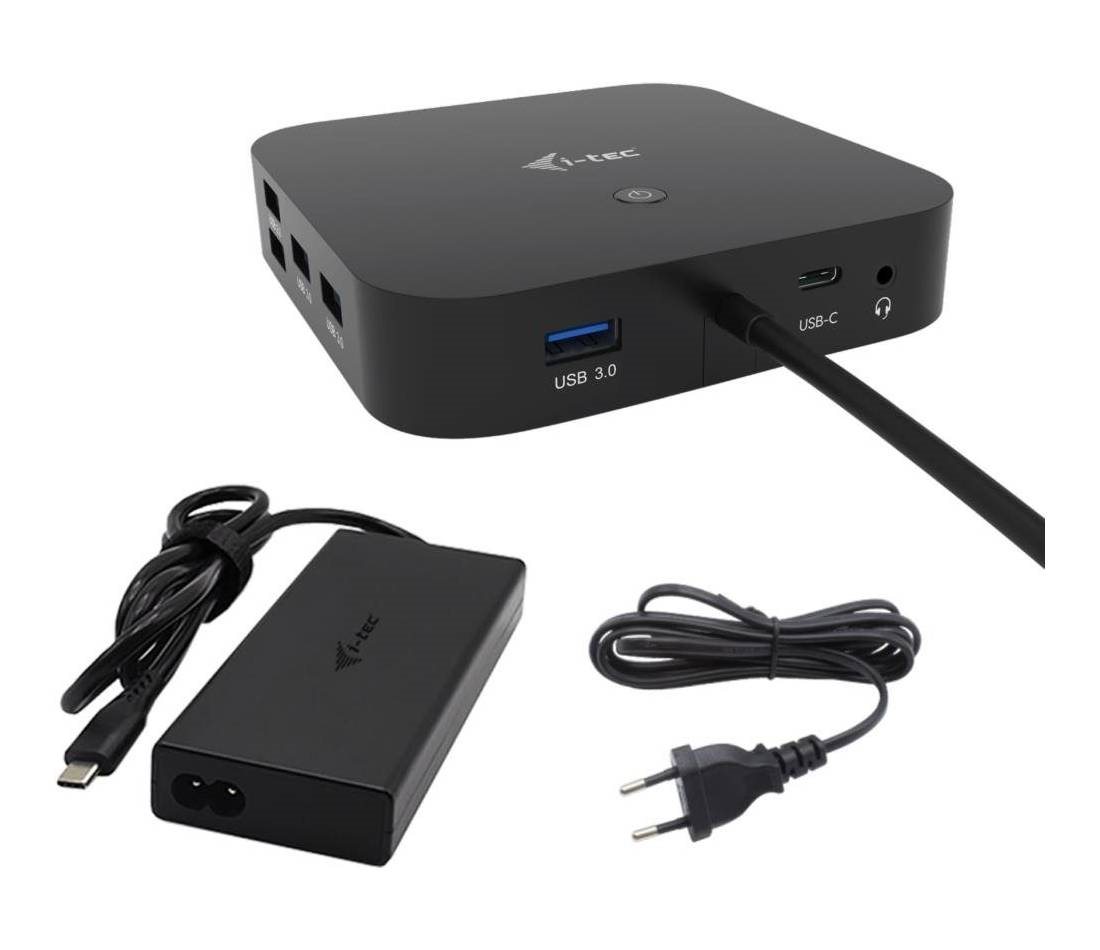
Alternative text for the photo is not filled in!
i-tec USB-C Dual Display Docking Station Specifications
- 1× integrated USB-C cable for connecting to a device (100cm)
- Docking Station Technology: USB-C (MST)
- Power Delivery: 100W
- Video Ports: 2× DisplayPort, 1× HDMI
Resolution:
DP 1.2 HBR2:
1 monitor – 1× HDMI or DP→ up to 4K/30Hz
1 monitor – 1× HDMI or DP → up to 1080p/120Hz
2 monitors – 1× DP + 1x HDMI → up to 2× 1080p/60Hz
2 monitors – 2× DP → up to 2× 1080p/60Hz
3 monitors – 1× HDMI + 1× DP + 1× DP → up to 1× 1080p/60Hz + up to 2× 720p/60Hz*
DP 1.4 HBR3:
1 monitor – 1× HDMI → up to 4K/60Hz
1 monitor – 1× DP → up to 4K/60Hz
2 monitors – 1× DP + 1× HDMI → up to 2× 1440p/60Hz
2 monitors – 1× DP + 1× HDMI → up to 2× 4K/30Hz
2 monitors – 2× DP → up to 2× 4K/30Hz
3 monitors – 1× HDMI + 1× DP + 1× DP → up to 3× 1080p/60Hz
DP 1.4 HBR3 DSC:
1 monitor – 1× HDMI → up to 4K/60Hz
1 monitor – 1× DP → up to 5K/60Hz
1 monitor – 1× HDMI → up to 1440p/144Hz or 1080p/240Hz
1 monitor – 1× DP → up to 4K/144Hz or 1440p/240Hz or 1080p/360Hz
2 monitors – 1× DP + 1× HDMI → up to 2× 4K/60Hz*
2 monitors – 1× DP + 1× HDMI → up to 2× 1440p/144Hz*
3 monitors – 1× HDMI + 1x DP + 1× DP → up to 3× 4K/30Hz*
- 1× USB-C 3.2 port Gen. 2 (10Gbps)
- 1× USB-C 3.2 port Gen. 2 (10Gbps) + PD (Power delivery)
- 3× USB-A 3.2 port Gen. 1 port (5Gbps)
- 2× USB 2.0 port
- 1× Ethernet GLAN RJ-45 port (Realtek RTL8153)
- 1× 3.5mm Combo Audio port
- LED indicator
- ON/OFF switch to turn the docking station on and off
- Kensington lock support
- OS: Windows 10, macOS, Android, Chrome OS and Linux with the latest updates
Hardware requirements:
Device with a free USB-C or Thunderbolt 3 port
Power Delivery Requirements:
Device with a free USB-C or Thunderbolt 3 port with “Power Delivery” support
Video Output Requirements:
Device with a free USB-C port with “DisplayPort Alternate Mode” support or a Thunderbolt 3 port
To use refresh rates higher than 60Hz, a monitor that supports these refresh
frequencies is required
Operating system:
Windows 10, macOS*, Android, Chrome OS and Linux with the latest updates
*macOS does not support Multi Stream Transport (MST) technology,
which means that when connected to macOS, the same image will be displayed on both connected monitors.
Specifications
Laptop power port
Most common ports
Data ports - Number and standards
Power ports for electrical devices
Graphics ports - Number and standards
Network ports
Audio ports
Features
Packaging
Compatibility
Dimensions and weight
Specifications can be changed without notice. Images are for illustrative purposes only.
